Monitoring & Analytics for your Entire IT Environment
Veeam ONE – part of Veeam Availability Suite – integrates seamlessly into your entire IT environment providing clear visibility into virtual and Veeam-protected cloud and physical Workloads. It provides monitoring, reporting and intelligent tools to help your business with the automation and control you need to maintain Availability by protecting against potential problems before operational impact, featuring:
- Powerful infrastructure monitoring and reporting
- Intelligent Diagnostics and automated resolutions
- Infrastructure utilization and capacity planning
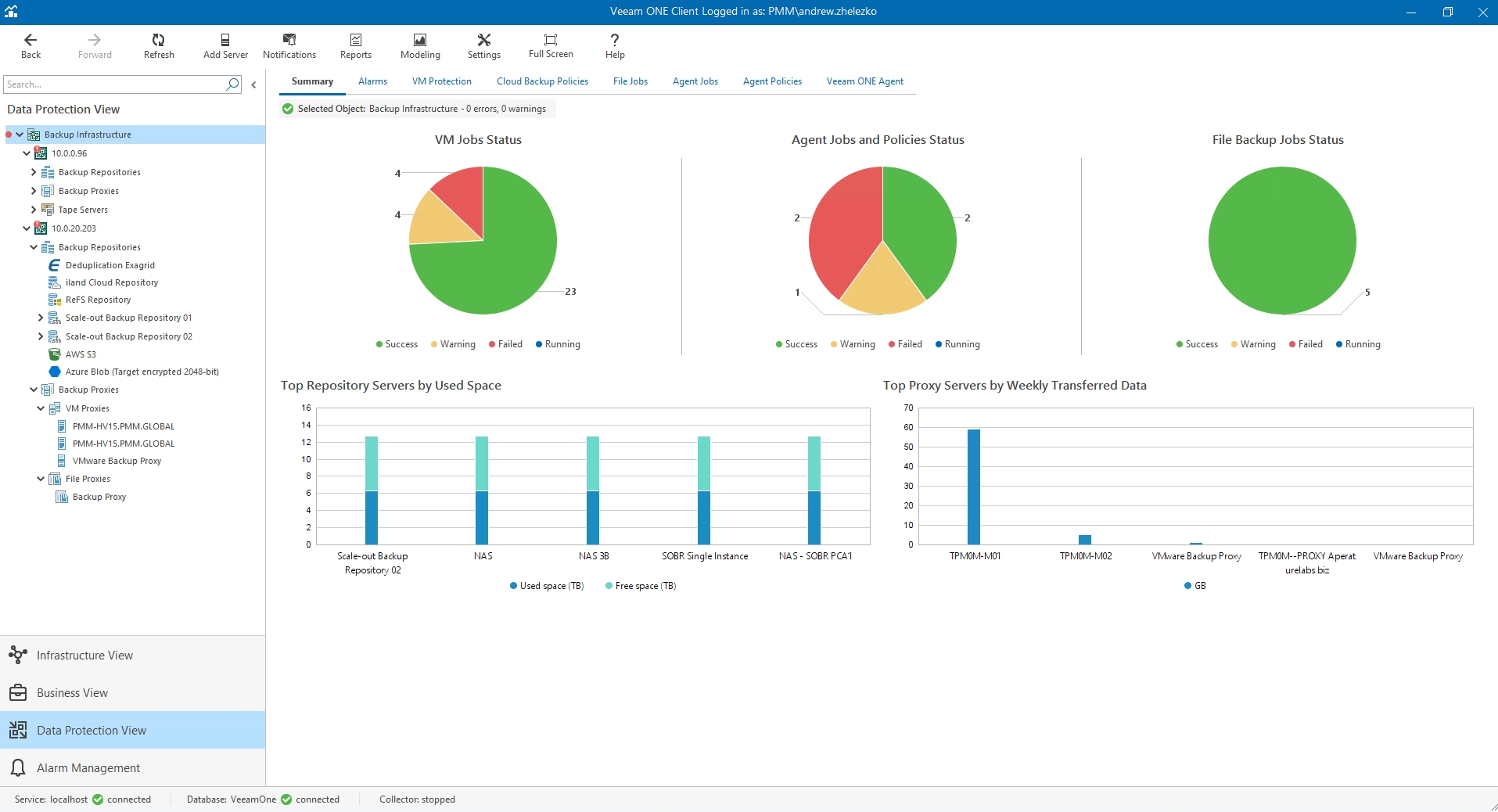
Veeam ONE helps you avoid downtime and meet SLAs with 24.7 real-time monitoring, reporting, and alerting for backup,
virtual and physical environments.


Proactive Alerting and Reporting
Stay alert and mitigate potential issues before
they become threats to your environment with 340+ preset alarms and 150+ pre-built reports, including infrastructure performance and configuration assessments.

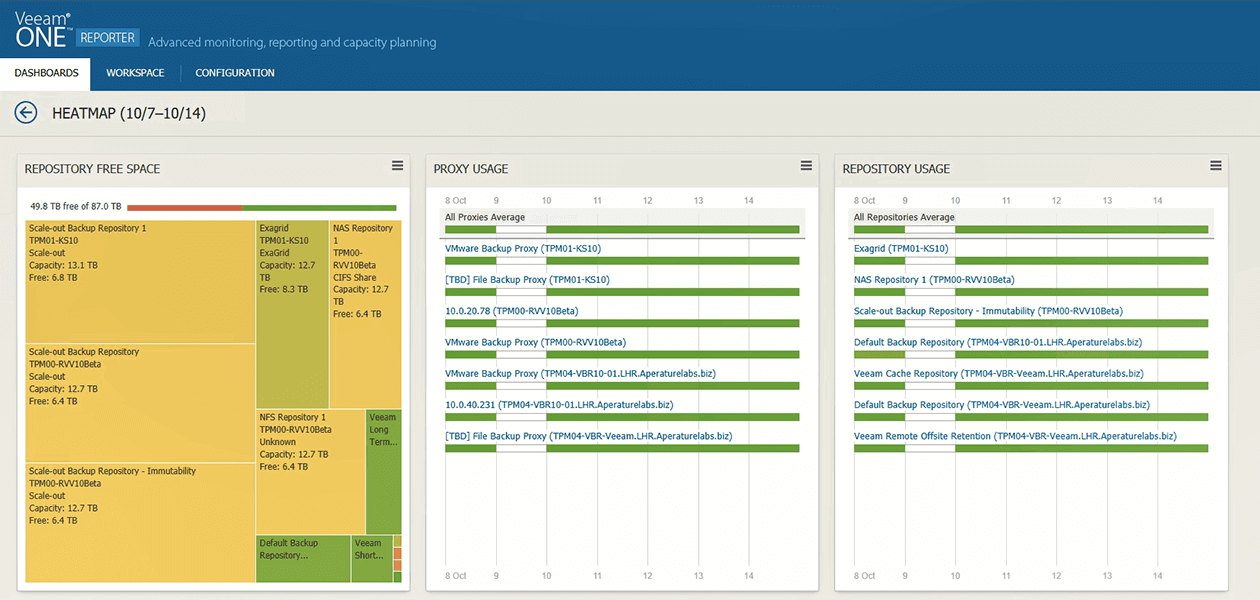
HeatmapsENHANCED
Be prepared to troubleshoot quickly by maintaining clear visibility into the resource utilization of your backup infrastructure, including deep views into Scale-out Backup Repositories, with Heatmaps.

Nutanix AHV BackupsNEW
Remain proactive and make informed decisions with data protection monitoring, reporting and alerts for Nutanix AHV VMs.

NAS BackupsNEW
Maintain real-time visibility while tracking file share protection, performance and more with monitoring and reporting for NAS backups.

IBM AIX and Oracle SolarisNEW
Leverage real-time monitoring and alarms for IBM AIX and Oracle Solaris backups to reduce the impact of potential disaster and downtime associated with backup failure.

Google CloudNEW
Provide complete backup and usage visibility across Veeam Backup for Google Cloud to deliver complete lifecycle management and avoid the risk of data loss associated with unprotected assets.
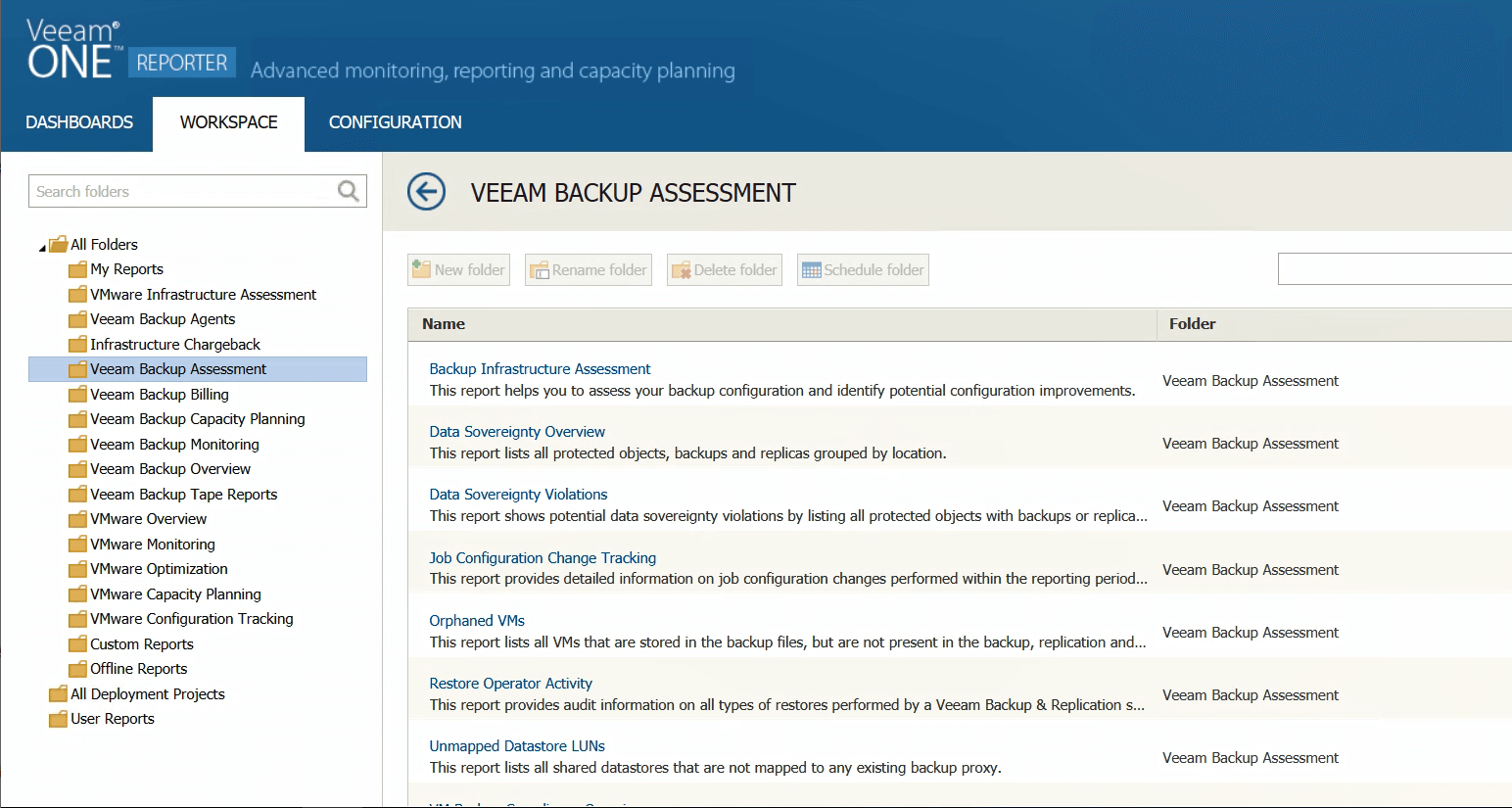
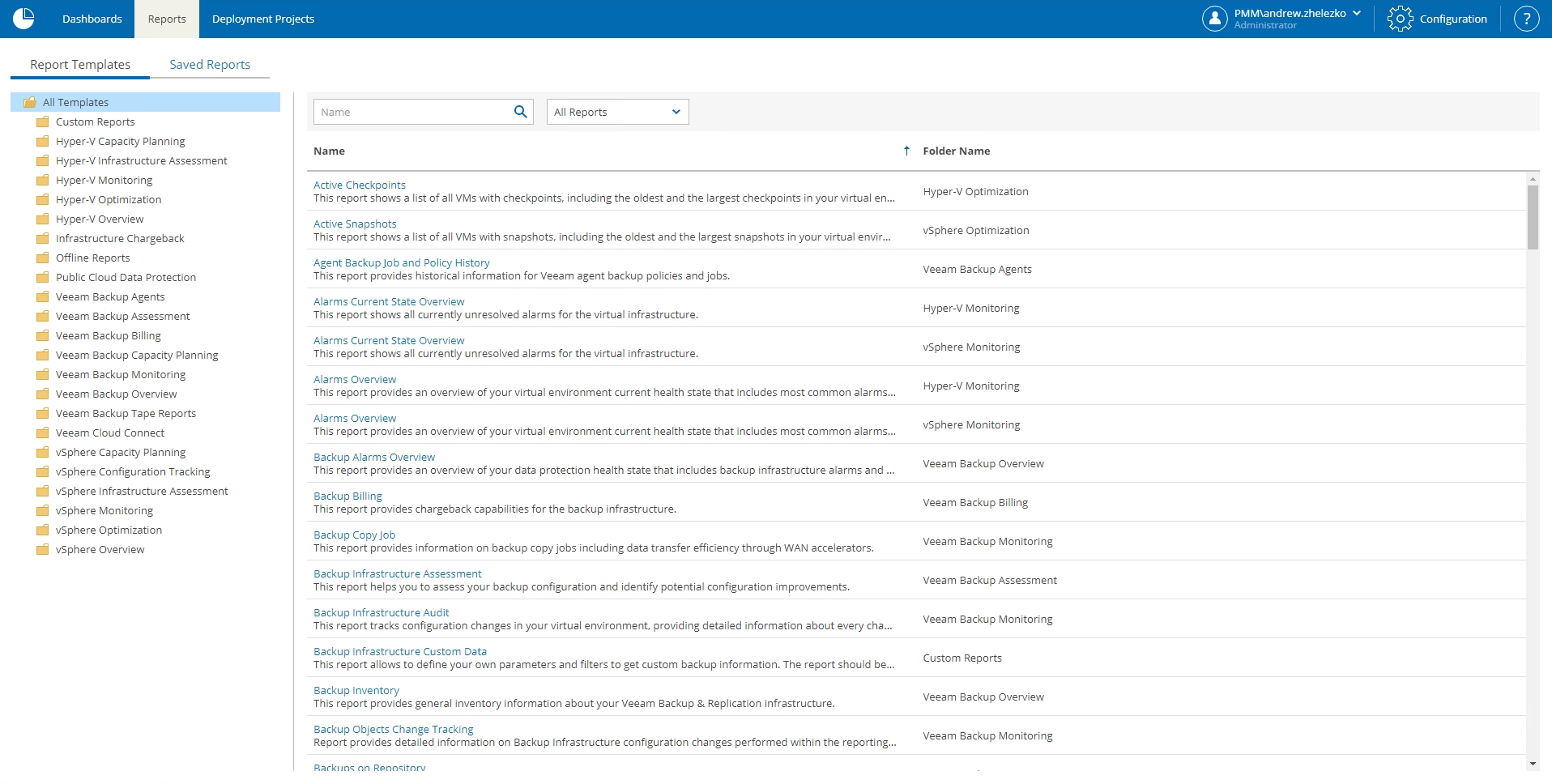

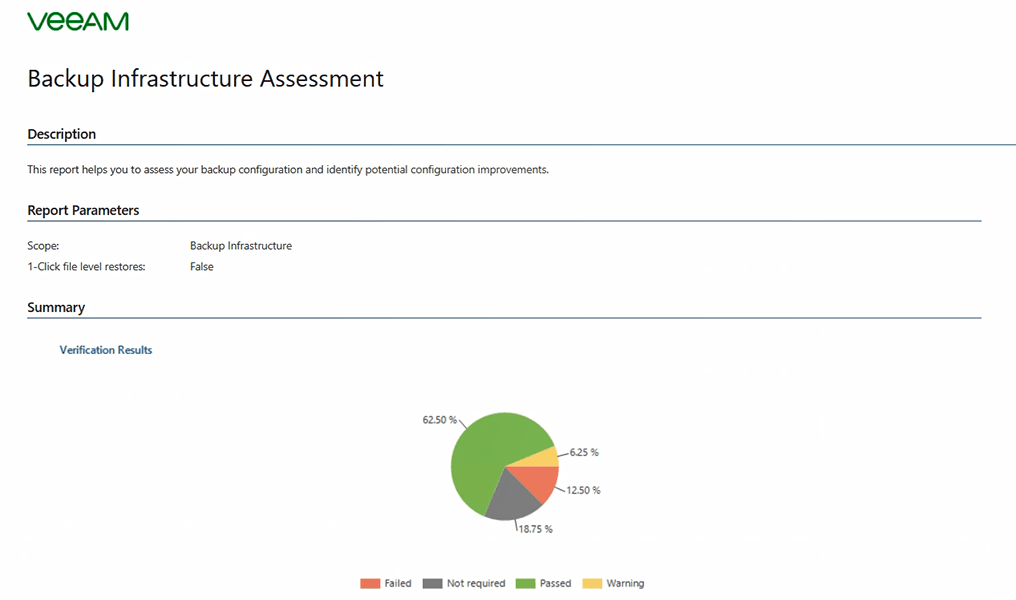
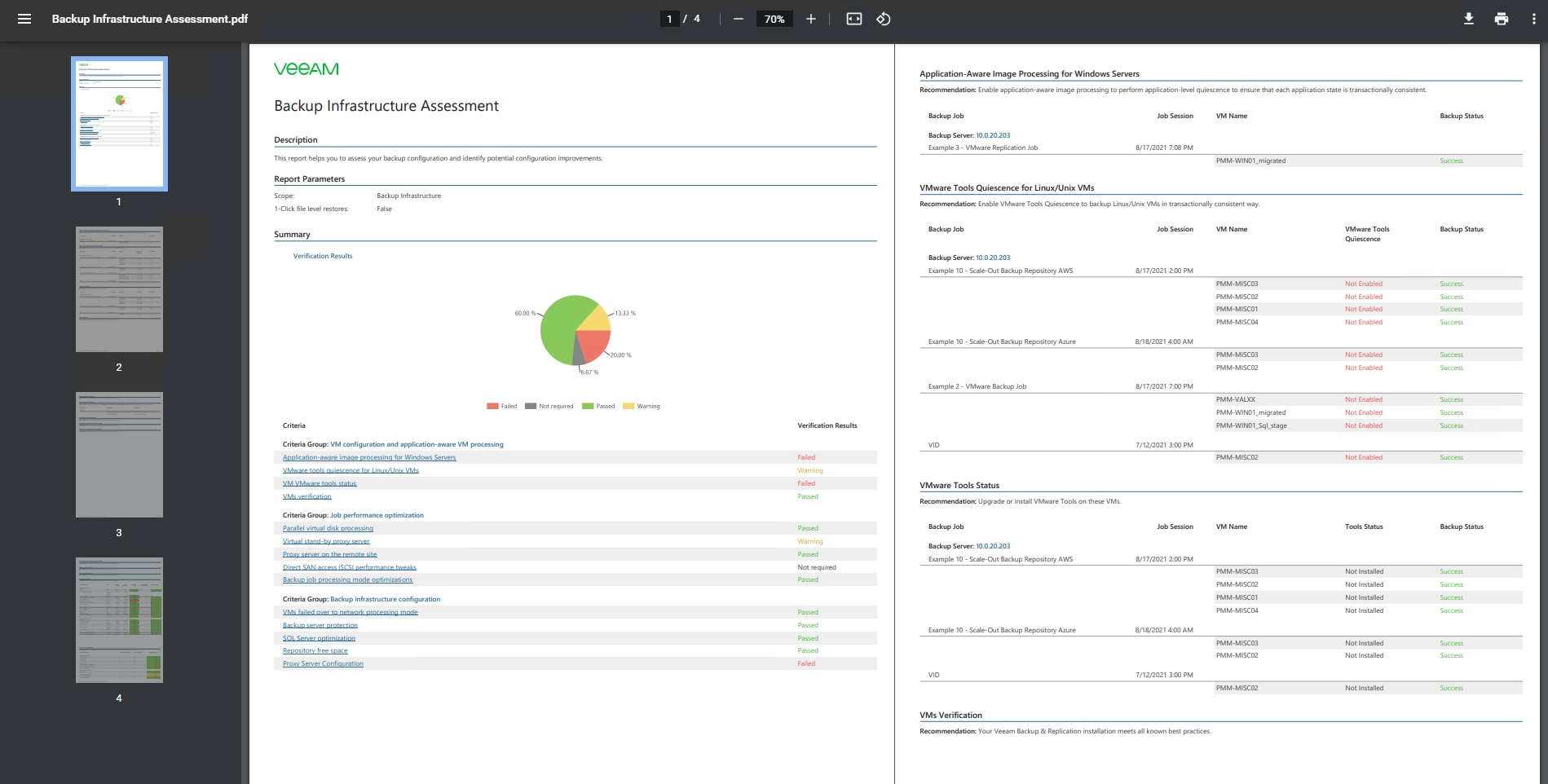
Reduce costs and improve response times, by quickly resolving common infrastructure and backup-related issues with
Veeam Intelligent Diagnostics and Remediation Actions.

Intelligent DiagnosticsENHANCED
Support calls slowing you down? Minimize downtime and the time spent on calls with proactive issue resolutions to common backup infrastructure problems. Veeam proactively identifies known issues within your environment, alerting you with self-support reconfigurations and hotfixes.
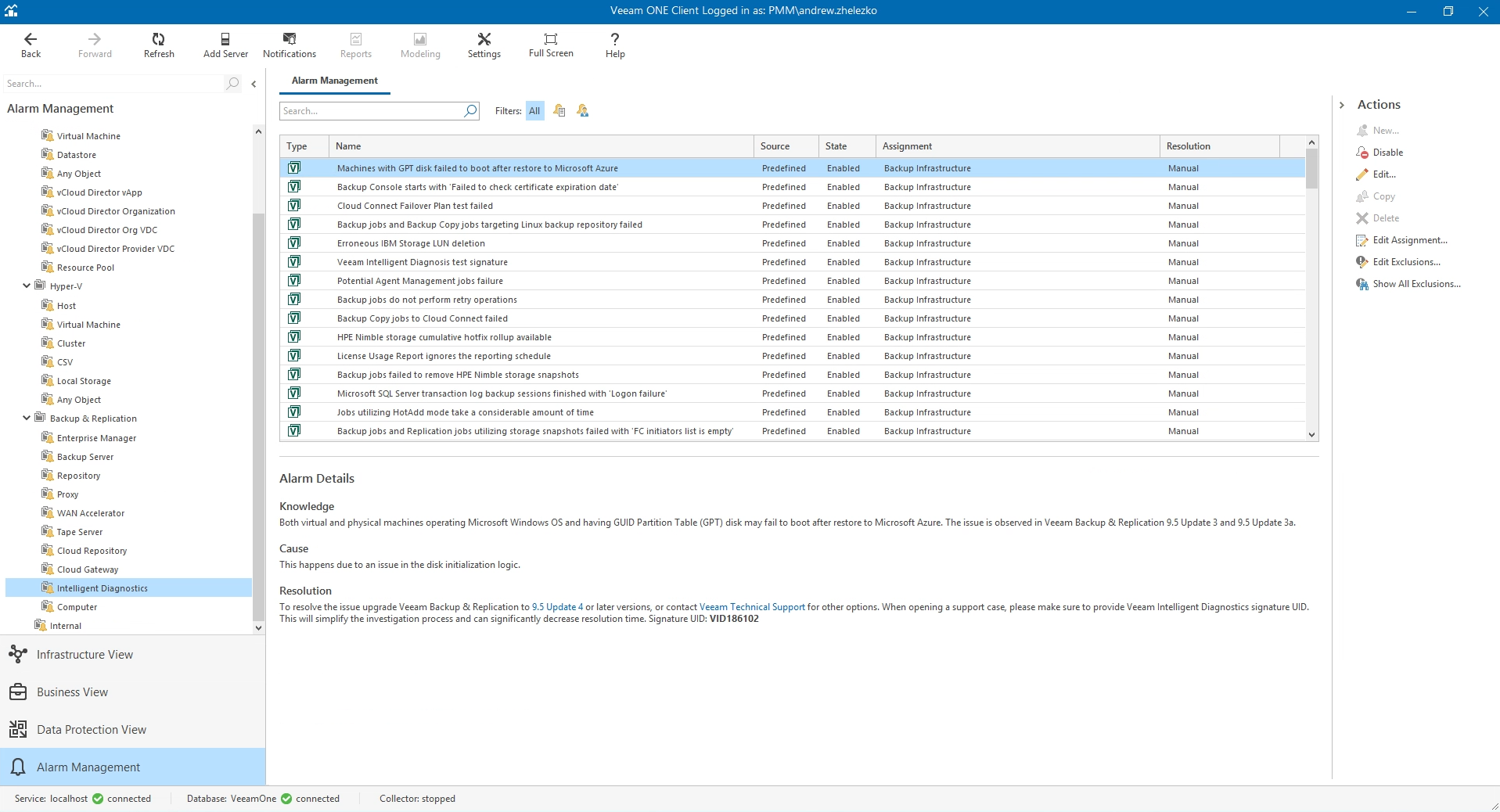

Remediation ActionsENHANCED
Reduce downtime risks without lifting a finger! Eliminate the need for manual responses to alarms by setting automated, self-healing, policy-based fixes for common backup and infrastructure-related problems that trigger automatic changes or approvals of actions.

Do you know who are your largest consumers, how much they’re consuming, and when you’ll need additional resources?
Veeam ONE can help.

Capacity Planning
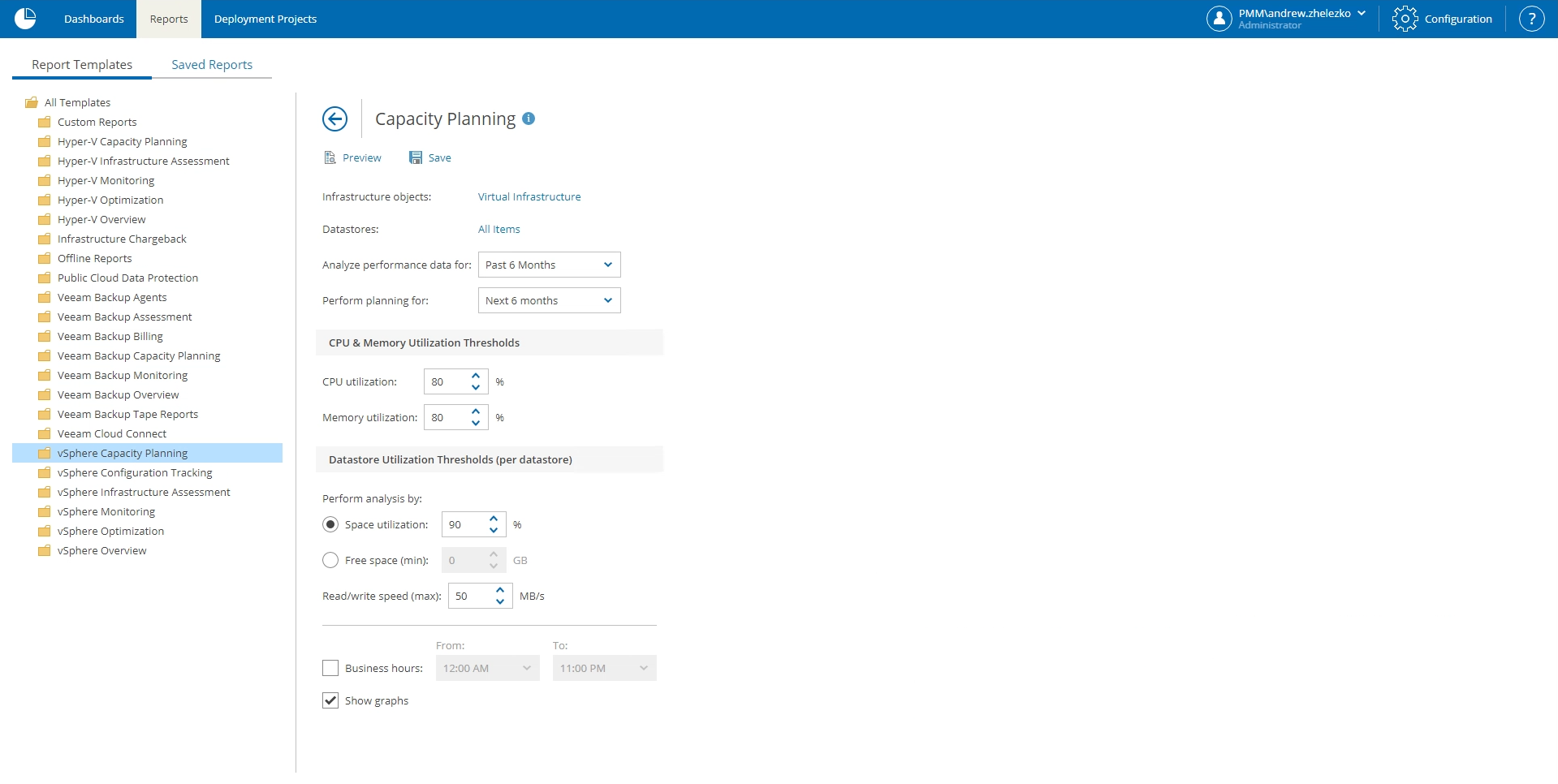
Stop guessing! Easily forecast resource usage and utilization trends for VMware, Hyper-V and backup environments to determine when resources/computing will max out.

Chargeback and Billing
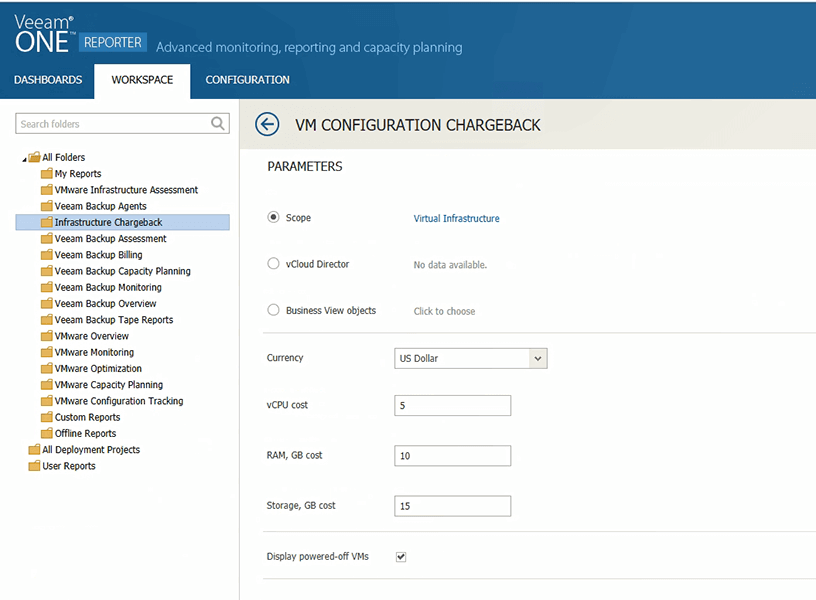
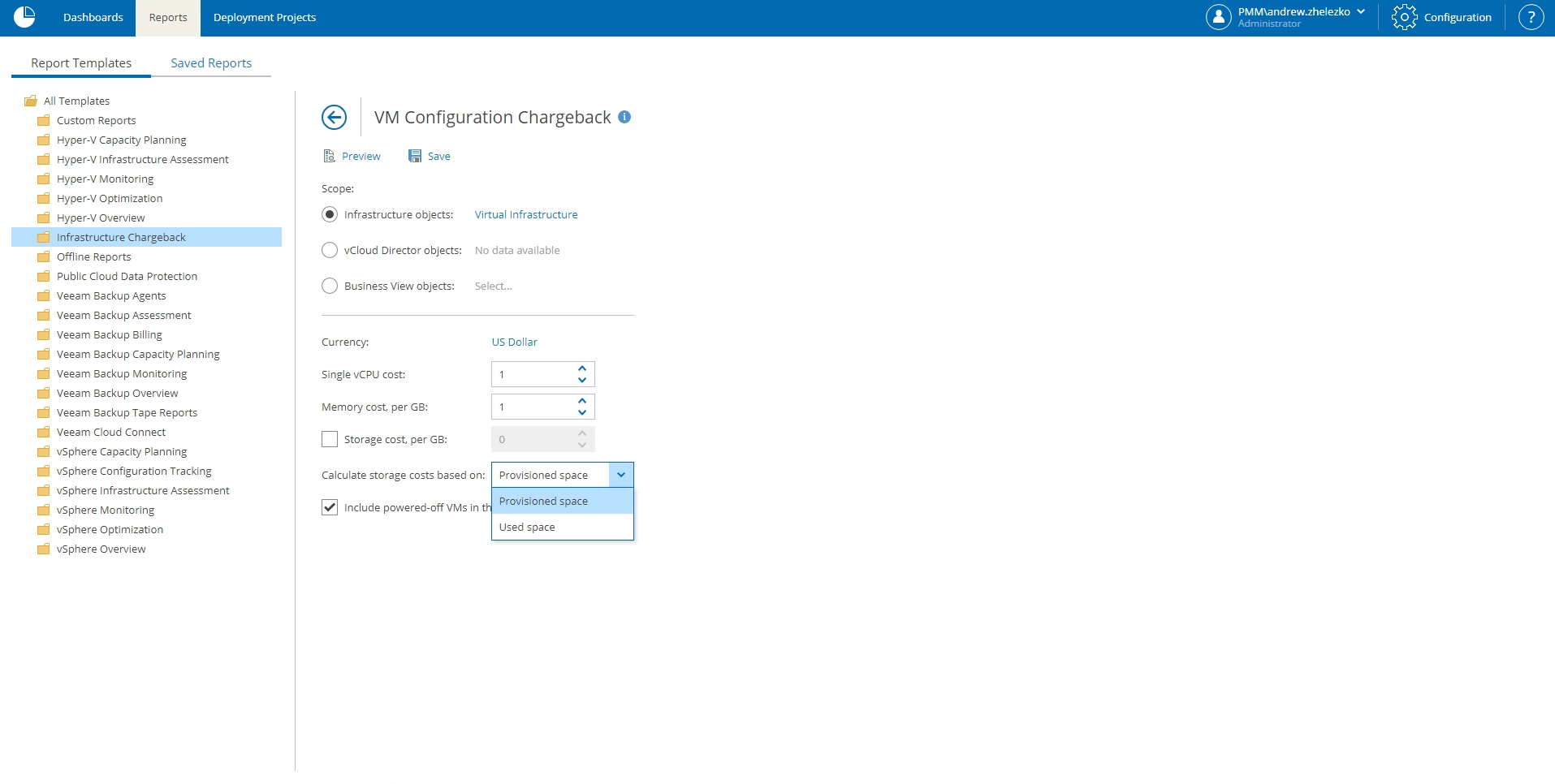
Save time and reduce planning complexities by calculating the cost of compute and storage resource consumption by department/customer and then bill accordingly.
Stay open for business! Maintain a complete understanding of where your data is located and what data is in your environment, at all times.

Backup Compliance Reporting
Is GDPR keeping you up at night? Know where your data is at all times. Remain compliant by grouping objects by location with Business View and using reports that list data sources grouped by production location, as well as the location of copies/replicas.


Stop ransomware in its tracks
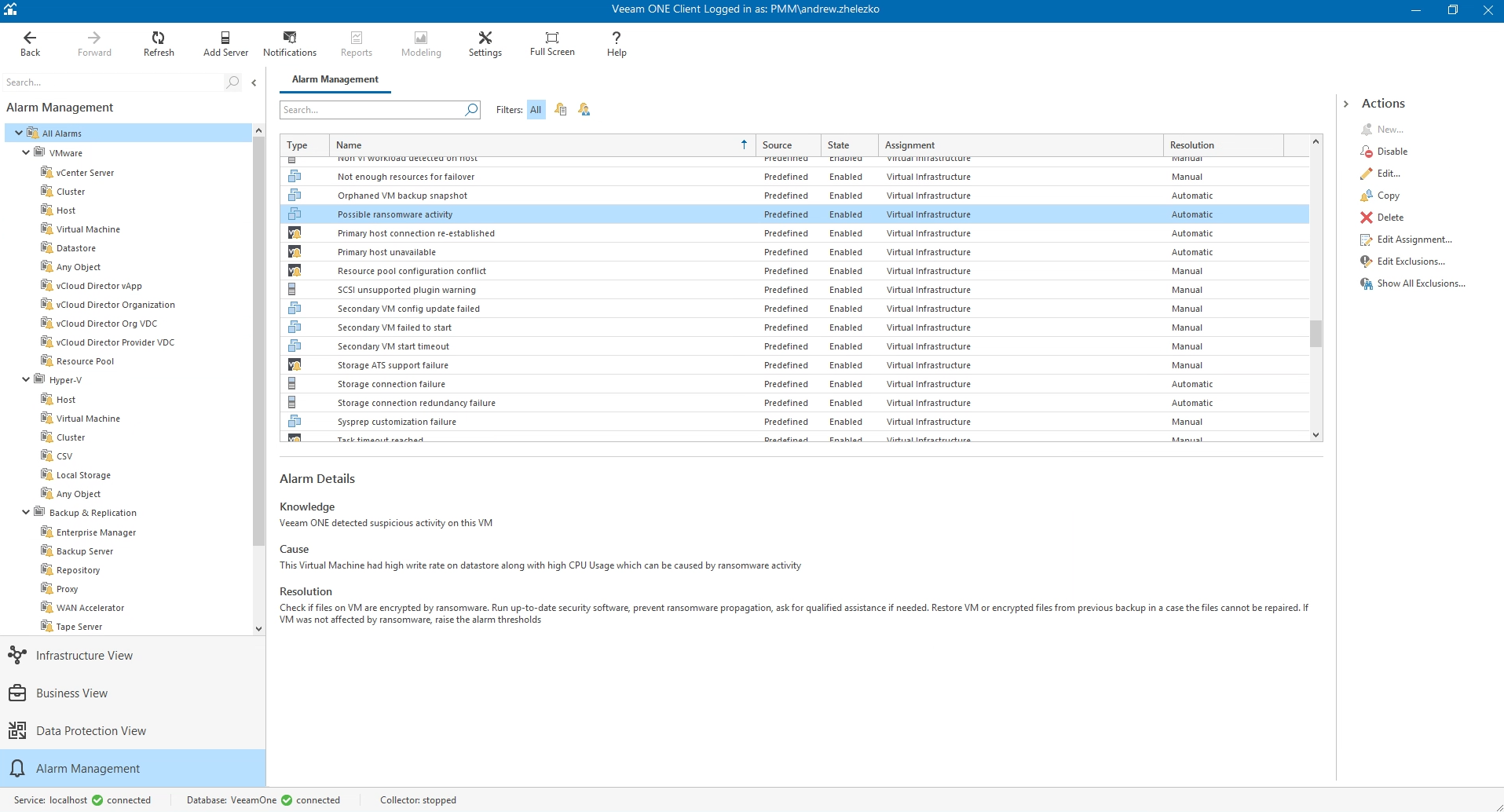
Veeam helps combat malware with a series of alarms that help identify abnormalities occurring in your environment and through immutability monitoring with reporting throughout the lifecycle of the backup.
Need more? Veeam ONE has it. Check out these additional capabilities that help you maintain clear visibility
of your entire environment.

Identify EVERY Unprotected VM and Agent
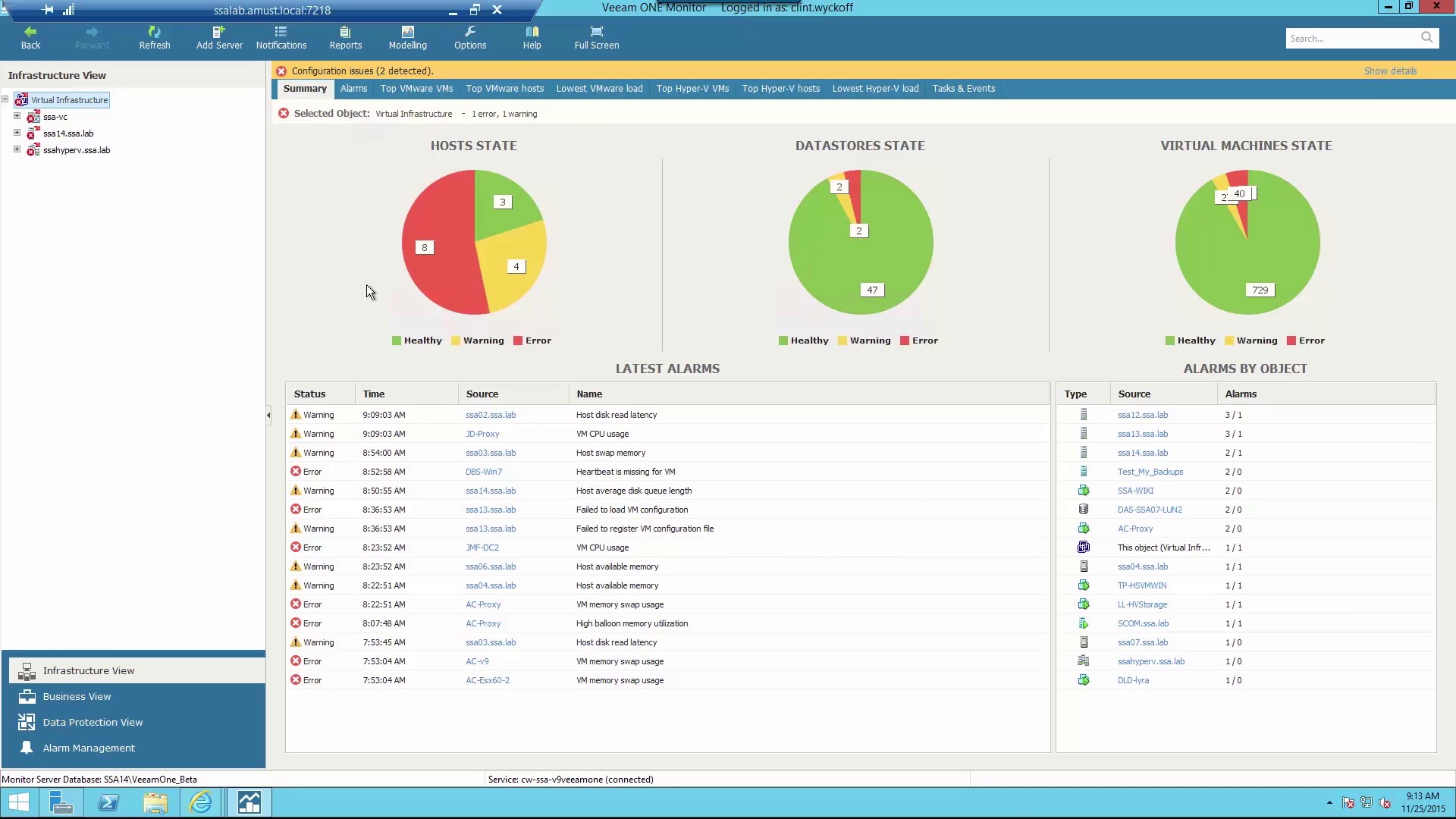
Are you completely protected? Reduce downtime and data loss by determining which VMs, physical servers and workstations are protected, including backup state, warnings and failures, and reasons why Workloads aren’t protected.

Change Tracking and Auditing
One bad change can impact months of work! Remain constantly aware of which team members are altering configurations or adding new objects to your backup and virtual infrastructures with automated backup and VMware change tracking.

Business View
Want an easier way to organize, assign and manage diverse workloads? Categorize them by creating groups based on business unit, geography, department and more. Even leverage VMware tags based on CPU, memory and location.


Raw Data Analysis and Report Customization
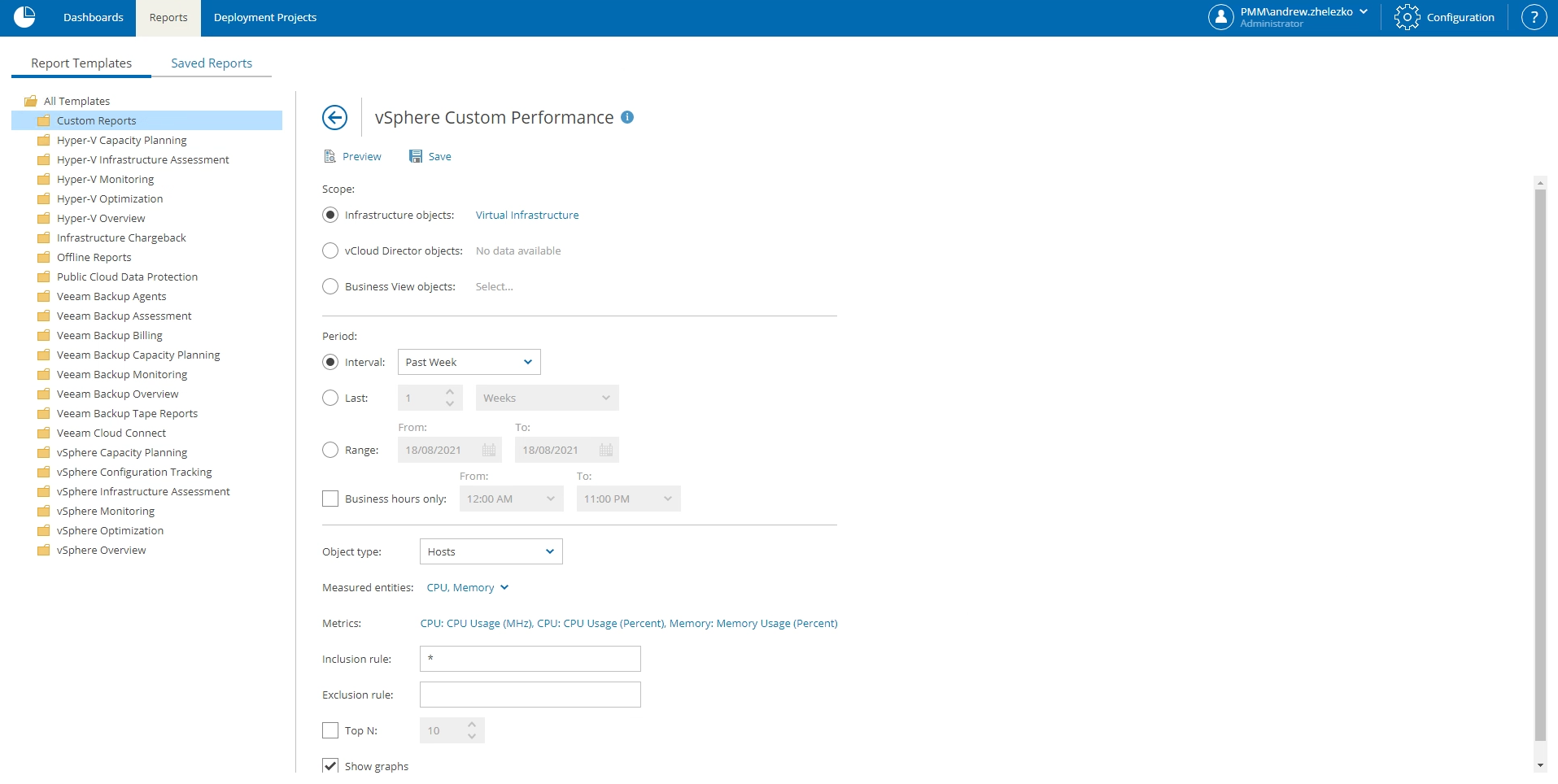
Need raw data? Easily access performance data and custom infrastructure reports for vSphere, Hyper-V and backup environments, including CPU, memory, network and disk metrics. You can even consolidate data from multiple reports into one, with Report Builder.
How Can We Help?
Get a no-obligation price quote and learn more about Veeam Software
Find answers to your questions with Veeam’s technical documentation
Get help for your Veeam products and software

