- Resource Library
- Whitepapers
- Best Practices Guide for Dell EMC Unity Storage Integration
Whitepaper
April 12, 2018
Best Practices Guide for Dell EMC Unity Storage Integration
Register to Read
Verify your email to continue your product download
We've sent a verification code to:
An email with a verification code was just sent to
Didn't receive the code? Click to resend in sec
Didn't receive the code? Click to resend
Start using Veeam:
Download the product
&
Activate the license key


Oops! Something went wrong.
Please, try again later.
Dell EMC Unity is a mid-range storage array and the next generation of the EMC VNX and VNXe series. Available in an All-Flash and Hybrid Flash platform, Dell EMC Unity leverages SSD performance and efficiency for integrated SAN and NAS capabilities.
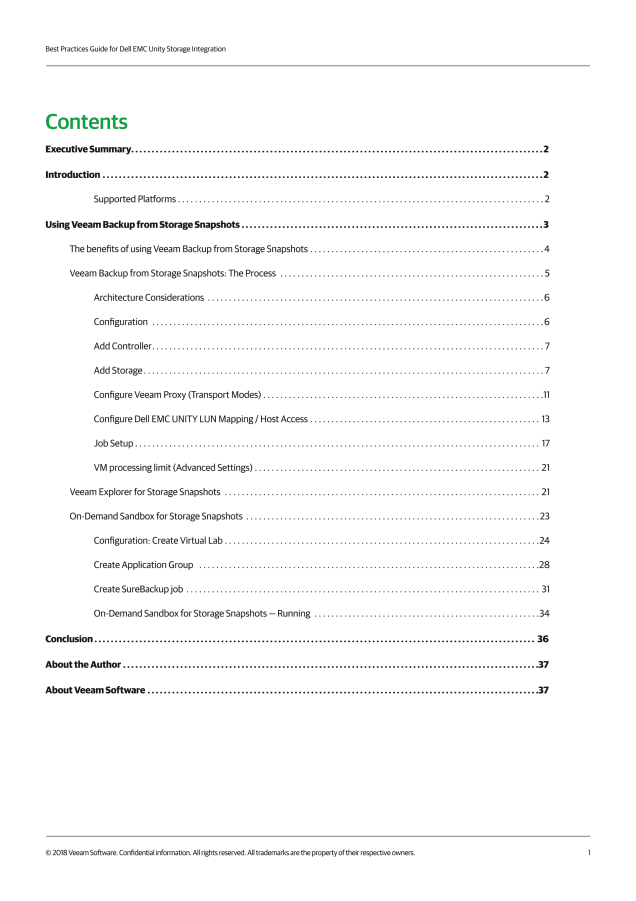
This Best Practices Guide provides guidance to customers using Veeam Availability Suite with Dell EMC Unity (and VNX / VNXe) storage systems. Focusing on system performance and configuration considerations for storage snapshots to enhance backup, replication and recovery tasks, these practices will help you gain the most from your investment in Dell EMC Unity and Veeam.
About the Author

Michael Cade
Senior Director, Technology & Strategy | Field CTO, Veeam Software
Senior Director, Technology & Strategy | Field CTO, Veeam Software
Michael Cade is a senior global technologist at Veeam. Based in the U.K., Michael is an IT professional with over 16 years of industry experience with a focus on technologies including virtualization, storage, and datacenters. Michael’s role at Veeam is to engage people about availability technologies, speak at events, share Veeam’s vision, and gather feedback from the field to shape the future of Veeam.
Michael is also very active on social media, where he blogs and tweets about relevant technical content.