Unable to Generate Reports Due to Error “Veeam ONE Caching Service Maintenance”
| KB ID: | 4829 |
| Product: | Veeam ONE | 13 |
| Published: | 2026-03-06 |
| Last Modified: | 2026-03-06 |

Get weekly article updates

Challenge
When attempting to generate reports in Veeam ONE the report fails to load and instead for following error is displayed:
Veeam ONE Caching Service Maintenance
The caching service database is being prepared for the maintenance window.
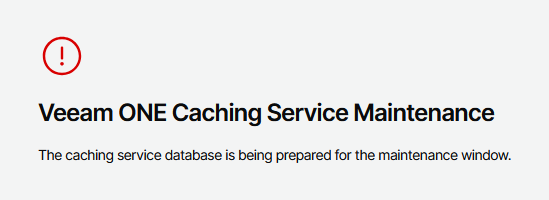
Often, when this error is shown, the following error will also be found within the Reporting Database Connection settings page:
Veeam.Reporter.CachingService.Collector.Auxiliary.ReporterStateProvider not initialized. Status: 500 Response:
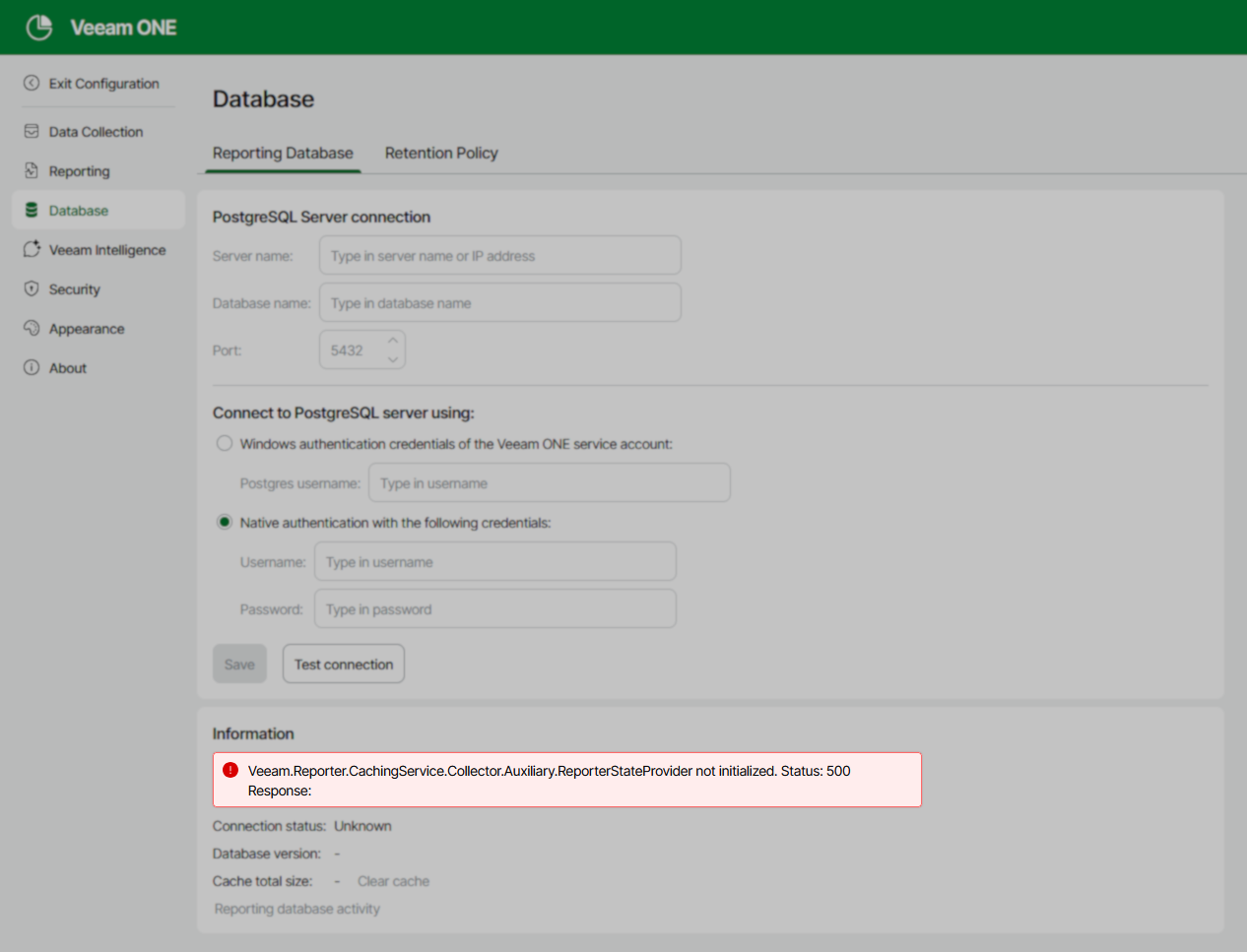
Cause
These issues occur when the Veeam ONE Caching Service cannot connect to the PostgreSQL instance hosting the Reporting Database.
Solution
Part 1: Identify Underlying Error
To begin troubleshooting, identify the connection issue the Veeam ONE Caching Service is experiencing.
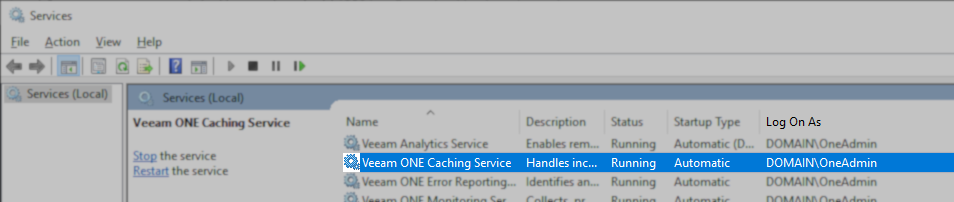
- Open the Services management panel (services.msc).
- Locate the Veeam ONE Caching Service and restart it.
The service is restarted to ensure that the latest entry in the service's log file is the attempt to connect to the PostgreSQL instance. - Open the following log file:
C:\ProgramData\Veeam\Veeam ONE\Logs\CachingService\Service.log
- Go to the bottom of the Service.log file (Ctrl+End).
- Search Upward for the string: "DB test failed:"
You will find one of these results:- DB test failed: Failed to connect to 127.0.0.1:5432
Meaning: The PostgreSQL instance located on 127.0.0.1 (localhost) is not accepting connections, likely because the postgresql-x64-17 service is not started. - DB test failed: 28000: SSPI authentication failed for user "postgres"
Meaning: The PostgreSQL instance is configured to use Windows-based authentication, and the Service Account used by the Veeam ONE Caching Service is not present in the pg_ident.conf file and therefore has no access. - DB test failed: The password is incorrect
Meaning: The PostgreSQL instance is configured to use native password-based authentication, and the Veeam ONE Caching Service is attempting to connect with the wrong password.
- DB test failed: Failed to connect to 127.0.0.1:5432
Part 2: Resolving the Connection Issue
Expand the section below that matches the error you found in the Service.log file:
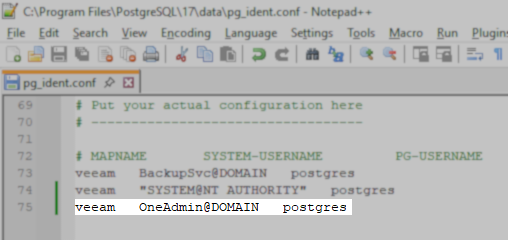
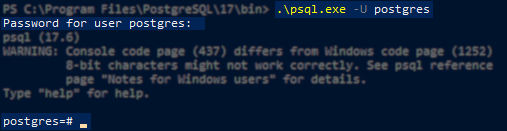
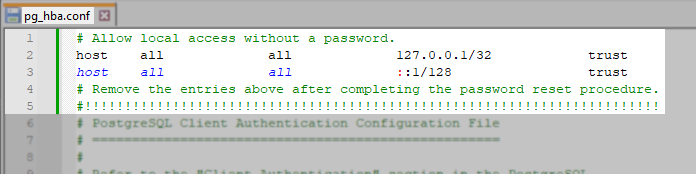
More Information
For more information about PostgreSQL Connection and Authorization Information review KB4818.
If this KB article did not resolve your issue or you need further assistance with Veeam software, please create a Veeam Support Case.
To submit feedback regarding this article, please click this link: Send Article Feedback
To report a typo on this page, highlight the typo with your mouse and press CTRL + Enter.
