Veeam Agent for Microsoft Windows Update Fails with "The digital signature of the downloaded update file is invalid"
| KB ID: | 4455 |
| Product: | Veeam Agent for Microsoft Windows | 5.0 | 6.0 |
| Published: | 2023-06-06 |
| Last Modified: | 2026-02-03 |

Get weekly article updates

Challenge
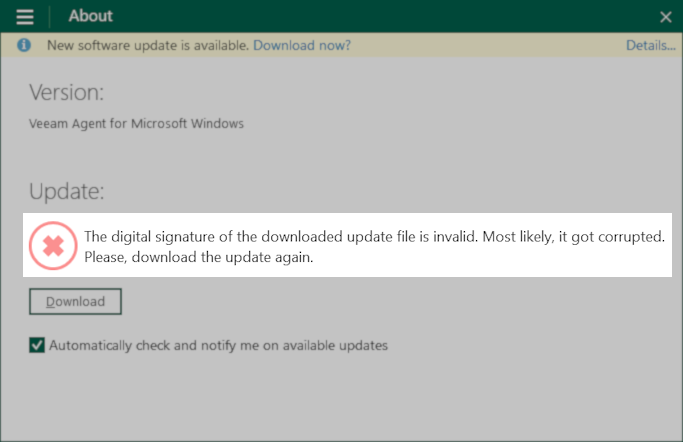
The integrated Veeam Agent for Microsoft Windows Update check displays the error:
The digital signature of the downloaded update file is invalid. Most likely, it got corrupted.
Please, download the update again.
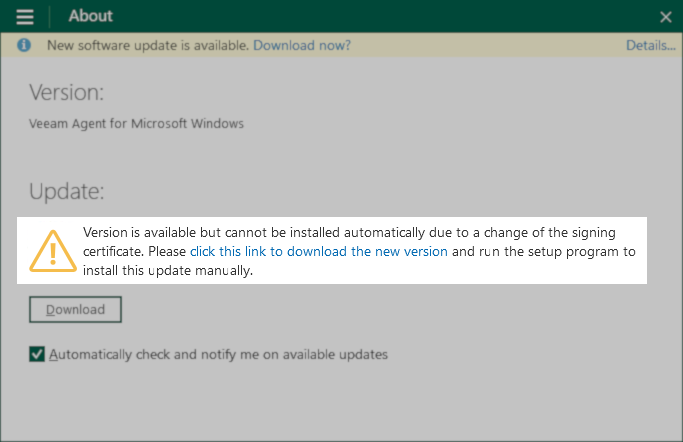
An alternate message is a warning stating:
Version is available but cannot be installed automatically due to a change of the signing
certificate. Please click this link to download the new version and run the setup program to
install this update manually.
Solution
To resolve this issue, download the latest Veeam Agent for Microsoft Windows Installer and manually update Veeam Agent for Microsoft Windows.
Either:
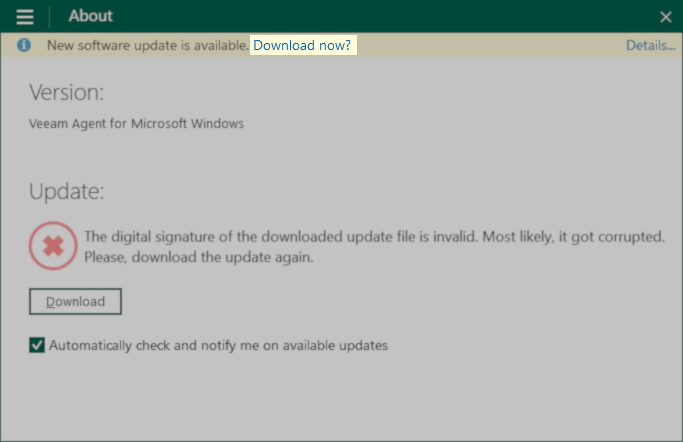
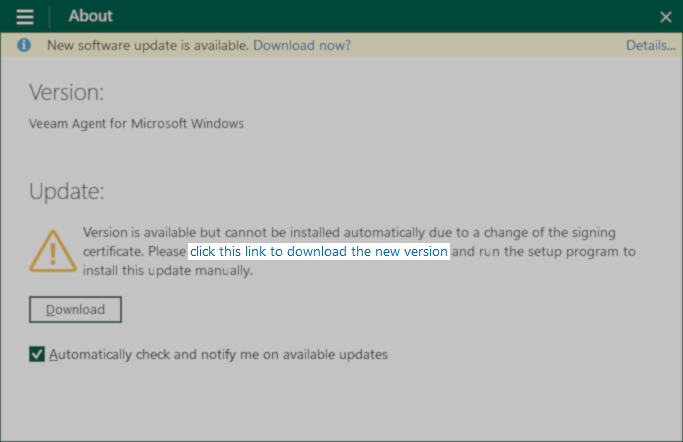
- Click the Download Now? in the notice bar or the click this link to download the new version link in the warning text to start the download.
- Or, manually download and install the newer version of Veeam Agent for Microsoft Windows:
- If build 6.3.0.177 or earlier is installed, upgrade to 6.3.1.1074 first, then upgrade to the latest build.
- If build 6.3.1.1074 or higher is installed, upgrade to the latest build.
If this KB article did not resolve your issue or you need further assistance with Veeam software, please create a Veeam Support Case.
To submit feedback regarding this article, please click this link: Send Article Feedback
To report a typo on this page, highlight the typo with your mouse and press CTRL + Enter.
Spelling error in text

KB Feedback/Suggestion
This form is only for KB Feedback/Suggestions, if you need help with the software open a support case