- Veeam Support Knowledge Base
- Veeam Backup & Replication fails to connect to Linux server with an error about negotiation
Veeam Backup & Replication fails to connect to Linux server with an error about negotiation
| KB ID: | 2061 |
| Product: |
Veeam Backup & Replication Veeam Cloud Connect |
| Version: | Any |
| Published: | 2015-08-28 |
| Last Modified: | 2025-05-20 |

Cheers for trusting us with the spot in your mailbox!
Now you’re less likely to miss what’s been brewing in our knowledge base with this weekly digest

Oops! Something went wrong.
Please, try again later.
Challenge
Negotiation failed. The client and the server have no common key exchange algorithm.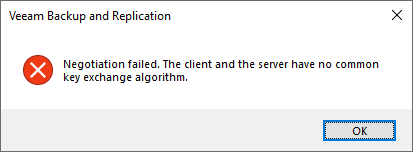
Negotiation failed. The client and the server have no common encryption algorithm.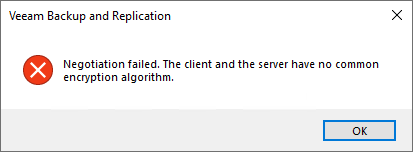
Failed to negotiate key exchange algorithm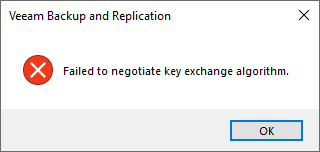
Client encryption algorithm not found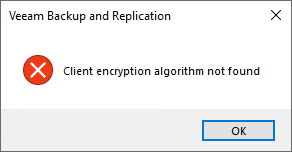
Server HMAC algorithm not found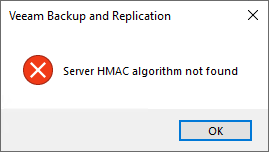
Cause
Solution
Starting with Veeam Backup & Replication 11, an additional SSH library is used, allowing for an expanded list of supported Ciphers, Key Exchange Algorithms, and MAC Algorithms. Therefore, it is highly recommended to use the latest version of Veeam Backup & Replication to ensure maximum compatibility.
To resolve this connection issue, ensure that the Linux server's sshd is able to use Ciphers, Key Exchange Algorithms, and MAC Algorithms that are compatible with Veeam Backup & Replication.
If this KB article did not resolve your issue or you need further assistance with Veeam software, please create a Veeam Support Case.
To submit feedback regarding this article, please click this link: Send Article Feedback
To report a typo on this page, highlight the typo with your mouse and press CTRL + Enter.
