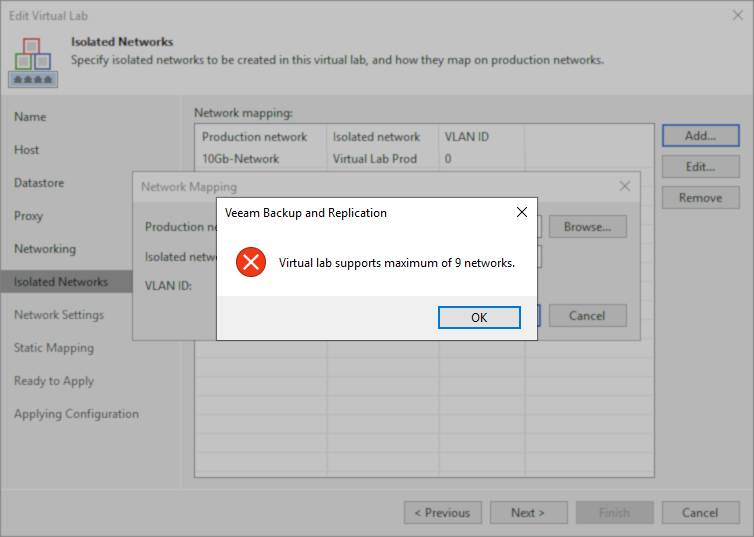
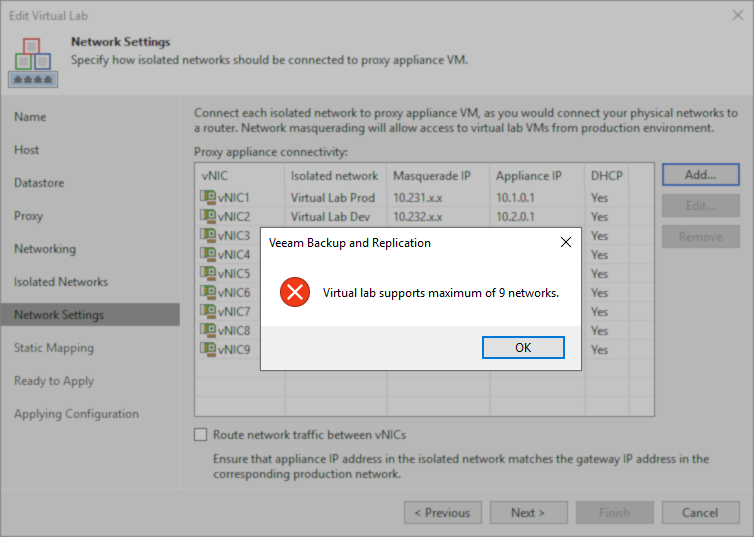
Error: "Virtual lab supports maximum of 9 networks."
| KB ID: | 4353 |
| Product: | Veeam Backup & Replication | 5.0 | 6.1 | 6.5 | 7.0 | 8.0 | 9.0 | 9.5 | 10 | 11 | 12 | 12.1 | 12.2 | 12.3 | 12.3.1 | 12.3.2 | 13 | 13.1 |
| Published: | 2022-09-27 |
| Last Modified: | 2023-09-06 |


Challenge
When configuring a SureBackup Virtual Lab for a VMware vSphere environment, attempting to add more than 9 Isolated Networks or configure more than 9 Isolated vNIC adapters will cause the following error to be shown:
Virtual lab supports maximum of 9 networks.
Cause
The Virtual Lab Appliance is a Virtual Machine, and Virtual Machines can only have a maximum of 10 Virtual NICs.
One of the ten possible Virtual NICs is assigned to the production network to allow the Virtual Lab Appliance to communicate with the Veeam Backup & Replication server, leaving nine vNICs available for assignment to the isolated environment.
Solution
More Information
Prior to Veeam Backup & Replication 12, the error message shown was:
Virtual lab supports maximum of 9 networks by default.
If you need to add more networks, please contact support.
Contrary to the pop-up error message wording, there is no way to bypass this limit.

If this KB article did not resolve your issue or you need further assistance with Veeam software, please create a Veeam Support Case.
To submit feedback regarding this article, please click this link: Send Article Feedback
To report a typo on this page, highlight the typo with your mouse and press CTRL + Enter.
Spelling error in text

KB Feedback/Suggestion
This form is only for KB Feedback/Suggestions, if you need help with the software open a support case