- Veeam Support Knowledge Base
- Creating a backup storage dump
Creating a backup storage dump
| KB ID: | 2277 |
| Product: |
Veeam Backup & Replication Veeam Agent for Microsoft Windows Veeam Agent for Linux |
| Version: | All |
| Published: | 2017-04-17 |
| Last Modified: | 2021-11-19 |

Cheers for trusting us with the spot in your mailbox!
Now you’re less likely to miss what’s been brewing in our knowledge base with this weekly digest

Oops! Something went wrong.
Please, try again later.
Purpose
This article documents how to create a "storage dump" from a Veeam backup file.
The storage dump is a human-readable output of the backup file's metadata containing:
- Backup file parameters
- FIB (files-in-backup) hierarchy
- FIB blocks map
- Offset / size / compression type of data blocks
- Deduplication dictionary
Solution
Generating the storage dump from a backup file involves interacting with the VeeamAgent executable via a command line. The executable is located in different locations based on the Veeam product:
- Veeam Backup & Replication - C:\Program Files (x86)\Veeam\Backup Transport\x64\VeeamAgent.exe
- Veeam Agent for Microsoft Windows - C:\Program Files\Veeam\Endpoint Backup\x64\VeeamAgent.exe
- Veeam Agent for Linux - /usr/sbin/veeamagent
Expand the section below that aligns with the Encryption state of the backup:
Procedure for non-Encrypted backup files:
- Open a command line and start the VeeamAgent by specifying the full path as documented above.
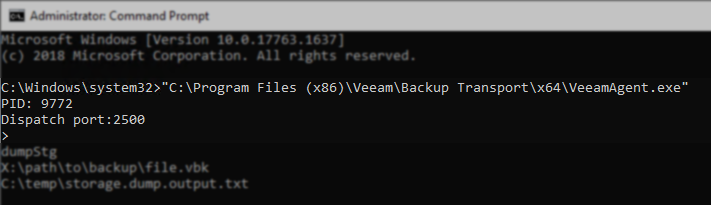
- Type in dumpStg, and press enter.
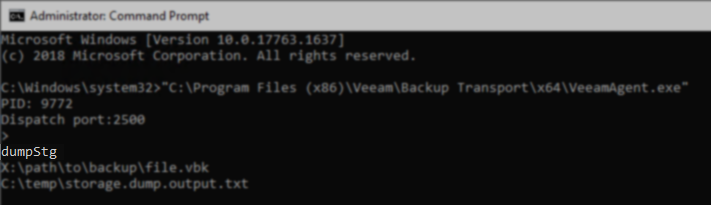
- On the next line, provide the full path to the backup file, and press enter.
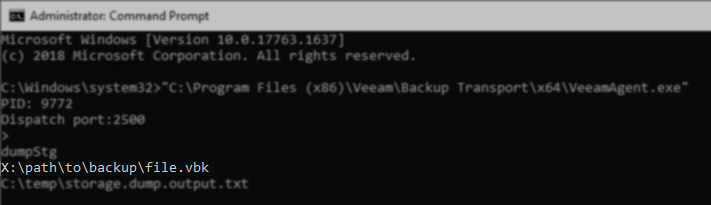
- On the next line, provide the full path to where the storage dump should be written, and press enter.
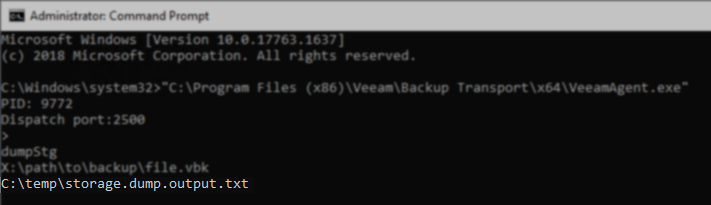
The storage dump will be written to the output location. This process may take a long time with larger backup files.
If VeeamAgent processed the command successfully, the agent will display a carrot '>' showing it is ready for the next command.
If after pressing enter on Step 4, the process terminates, sending you back to a normal command line, the input or output file location was invalid.
Procedure for Encrypted backup files:
- Open a command line and start the VeeamAgent by specifying the full path as documented above.
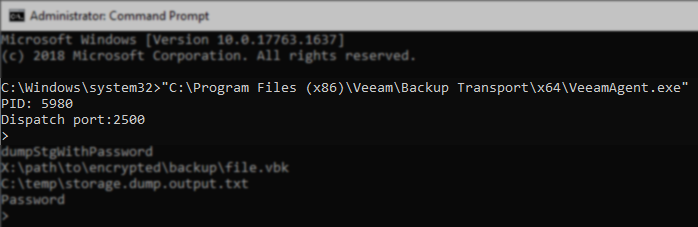
- Type in dumpStgWithPassword, and press enter.
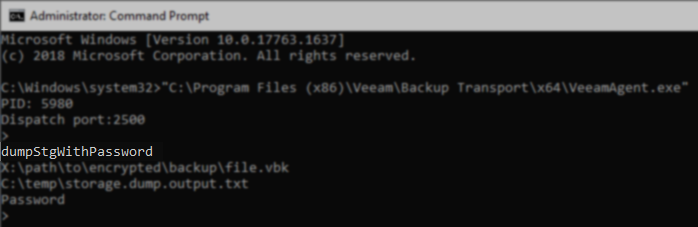
- On the next line, provide the full path to the backup file, and press enter.
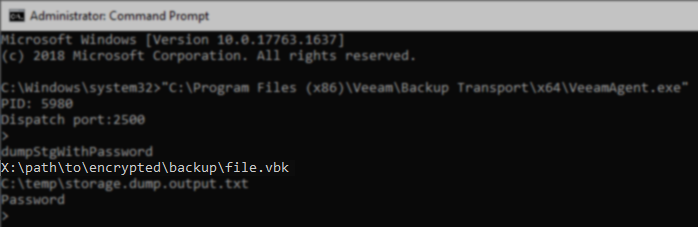
- On the next line, provide the full path to where the storage dump should be written, and press enter.
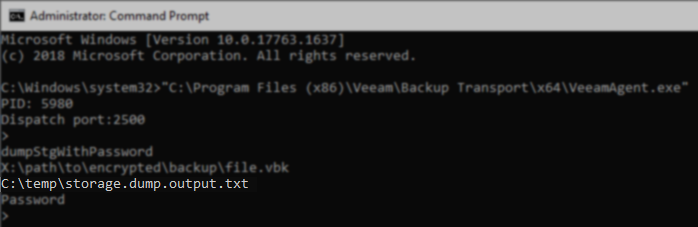
- On the next line, provide the password used to encrypt the backup file, and press enter.
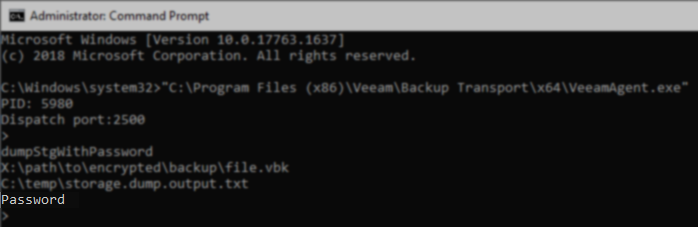
The storage dump will be written to the output location. This process may take a long time with larger backup files.
If VeeamAgent processed the command successfully, the agent will display a carrot '>' showing it is ready for the next command.
If after pressing enter on Step 5, the process terminates, sending you back to a normal command line, the input file path, output file path, or password was invalid.
If this KB article did not resolve your issue or you need further assistance with Veeam software, please create a Veeam Support Case.
To submit feedback regarding this article, please click this link: Send Article Feedback
To report a typo on this page, highlight the typo with your mouse and press CTRL + Enter.
Spelling error in text

Thank you!
Your feedback has been received and will be reviewed.
Oops! Something went wrong.
Please, try again later.
You have selected too large block!
Please try select less.
KB Feedback/Suggestion
This form is only for KB Feedback/Suggestions, if you need help with the software open a support case
Thank you!
Your feedback has been received and will be reviewed.
Oops! Something went wrong.
Please, try again later.