How to Merge Veeam Backup for Microsoft 365 Licenses
| KB ID: | 4546 |
| Product: | Veeam Backup for Microsoft 365 |
| Published: | 2024-01-30 |
| Last Modified: | 2024-01-30 |

Get weekly article updates

Purpose
This article documents the process for merging and unmerging licenses for Veeam Backup for Microsoft 365 using the Veeam MyAccount Portal.
Note:
- Merging licenses creates a new license file from two or more contract licenses. This process can be performed by the customer using the Veeam MyAccount Portal, my.veeam.com.
- The new merged license will have the expiration date of the soonest-to-expire contract.
- The individual contracts that make up the merged license continue to be separate contracts that must be individually renewed.
- Co-terming licenses involves taking two or more contracts and aligning their contract expiration dates, allowing the multiple contracts to become a single, easier-to-manage contract. For more information, review the "Co-Terming Support" section at the bottom of the Support Renewals FAQ, or contact the Veeam Renewals Team by filling out the Renewal Request form.
Solution
Merge Limitation
Only unexpired licenses with the same Account Name and License Administrator can be merged.
Merge Licenses
The License Administrator may obtain a merged license file by following the steps below.
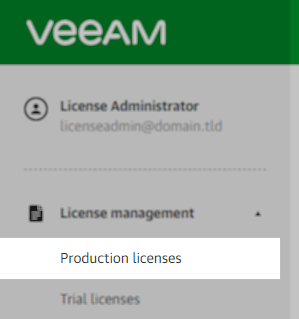
- Sign in to the Veeam My Account portal and go to License management >> Production Licenses
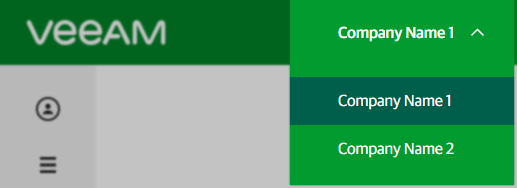
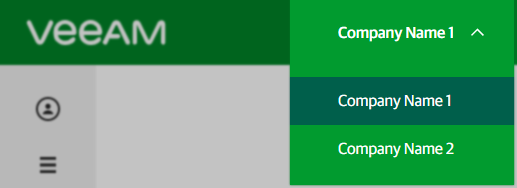
- If the My Account portal login is associated with multiple companies, select the correct company using the Account Switcher at the top of the portal.
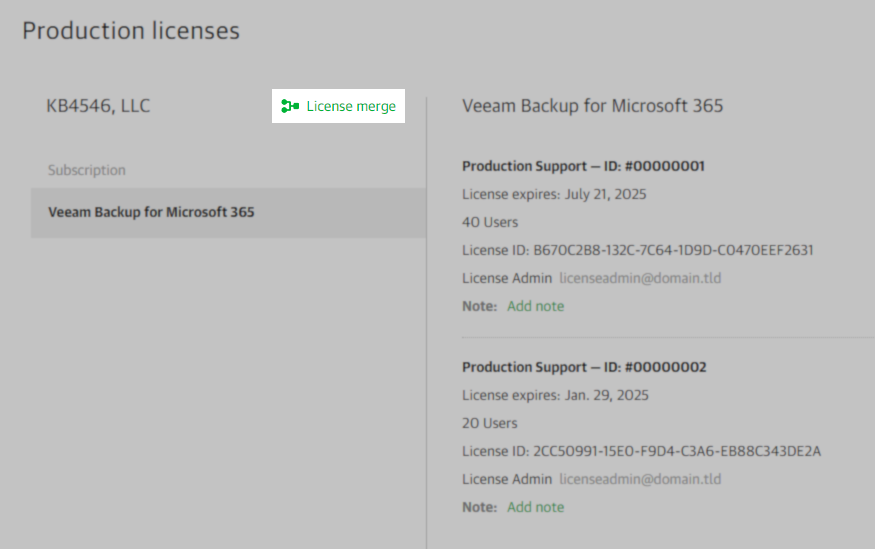
- To begin the merge process, click License merge
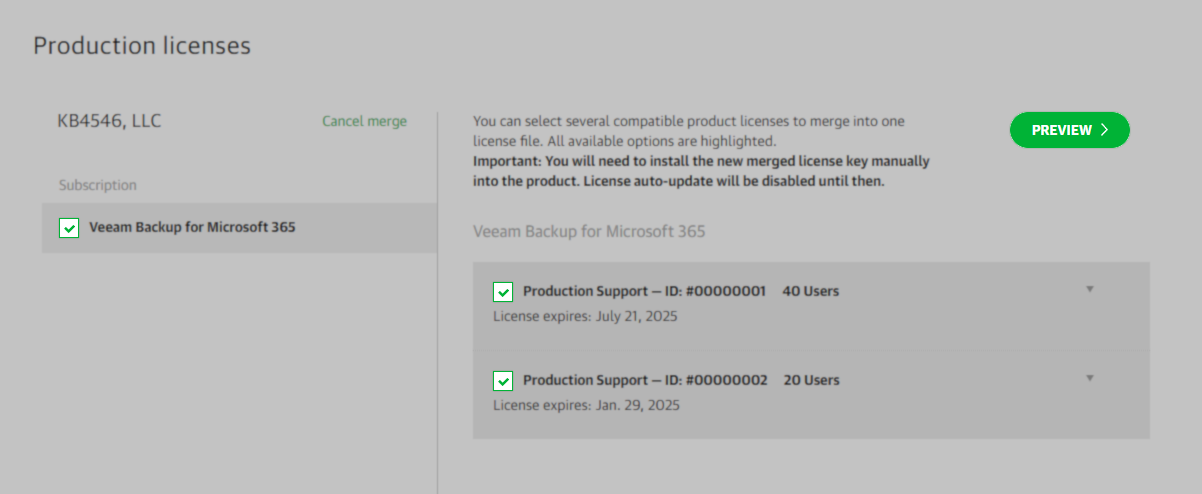
- Select the products and respective licenses you want to merge and click Preview.
- After verifying the information in the preview, click the “Merge Licenses” button to finalize the merge process.
You may have to scroll down the preview pane to see the Merge Licenses button.

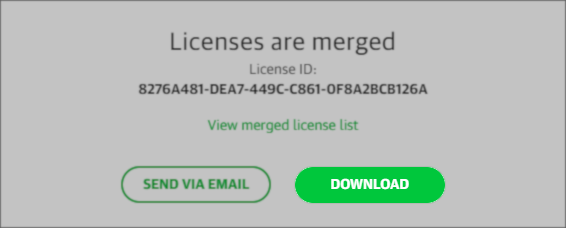
- A pop-up will appear with the option to download the license or send a copy to the license administrator’s email.
Undo Merge
The License Administrator can undo a license merge by following the steps below.
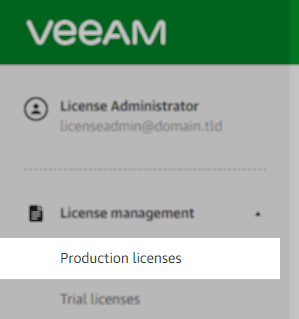
- Sign in to the Veeam My Account portal and go to License Management >> Production Licenses.
- If the My Account portal login is associated with multiple companies, select the correct company using the Account Switcher at the top of the portal.
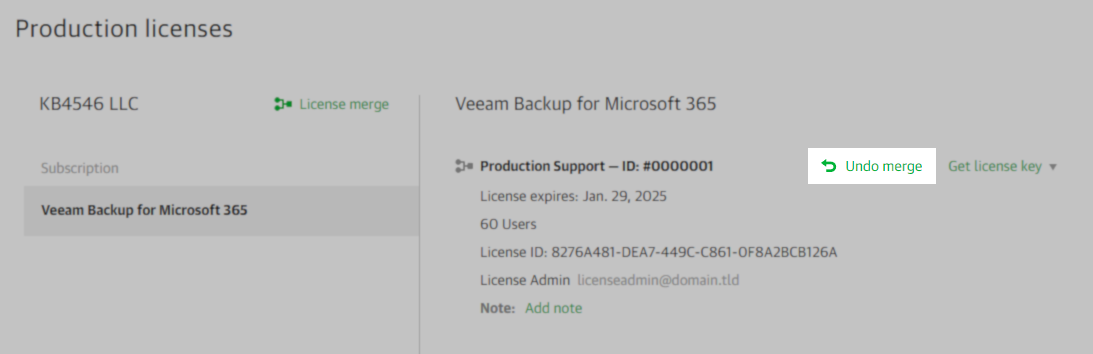
- Click the Undo merge link.
- A pop-up will appear asking you to confirm that you wish to undo the license merge. Click OK.

If this KB article did not resolve your issue or you need further assistance with Veeam software, please create a Veeam Support Case.
To submit feedback regarding this article, please click this link: Send Article Feedback
To report a typo on this page, highlight the typo with your mouse and press CTRL + Enter.
Spelling error in text

KB Feedback/Suggestion
This form is only for KB Feedback/Suggestions, if you need help with the software open a support case