Veeam ONE Report Error "Invalid query string"
| KB ID: | 4707 |
| Product: | Veeam ONE | 12 | 12.1 | 12.2 | 12.3 |
| Published: | 2025-02-13 |
| Last Modified: | 2026-07-01 |


If you were directed here by the output of the Test-VBORepository cmdlet, please visit https://www.veeam.com/kb4704.
The typo in the cmdlet output will be corrected in a future release.
Challenge
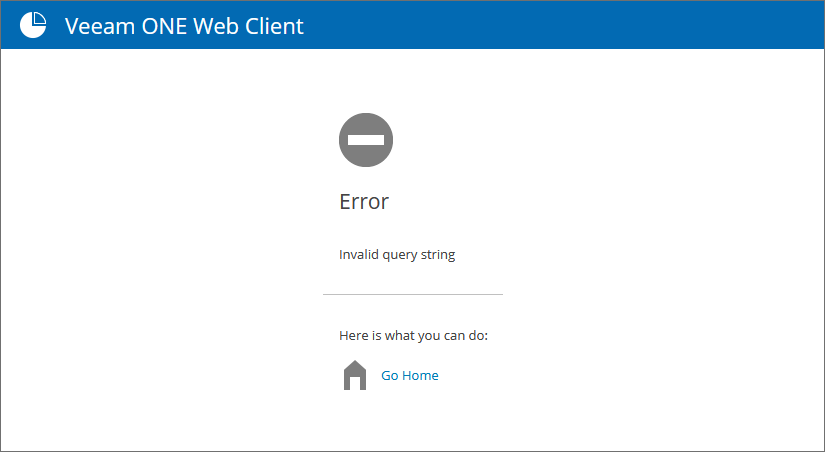
When previewing a report in Veeam ONE Web Client, the report fails to load with the error:
Error
Invalid query string
Cause
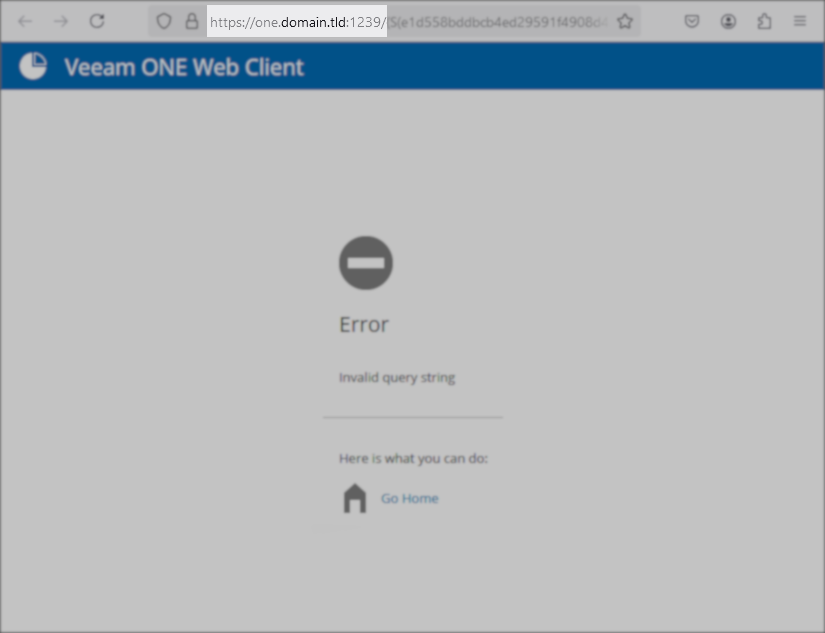
This error occurs when the URL used to access the Veeam ONE Web Client does not match the URL of the report preview.
For example, if the URL used to access Veeam ONE Web Client is https://one:1239, but the report preview loads the URL https://one.domain.tld:1239.

Solution
To prevent this issue, use only the expected Veeam ONE Web Client URL.
Workaround
The URL used to access Veeam ONE Web Client must match the one expected by the software. The URL can be viewed and modified within the registry on the machine where Veeam ONE is installed.
Note: Changes to this registry value are not permanent and will be reverted by the Veeam ONE Installer during an upgrade.
Key Location: HKLM\SOFTWARE\Veeam\Reporter Enterprise\
Value Name: ReportViewerUri
Value Type: String Value (REG_SZ)
Value Data:
The value data can be updated as needed to match the URL that will be used to access Veeam ONE Web Client.
Notes
- The Veeam ONE Reporting Service service must be restarted after any changes to the ReportViewerUri value.
- Changes to the ReportViewerUri value will be automatically reverted by the Veeam ONE installer during an upgrade.
- The ReportViewerUri value is not case-sensitive.
- Changes to the ReportViewerUri value will not cause the Veeam ONE Web Client shortcut on the Desktop to be updated.
- It is not possible to specify more than one valid URI. Therefore, changing ReportViewerUri from its default will cause other users who attempt to use the original default URL to experience the "Invalid query string" error.
If this KB article did not resolve your issue or you need further assistance with Veeam software, please create a Veeam Support Case.
To submit feedback regarding this article, please click this link: Send Article Feedback
To report a typo on this page, highlight the typo with your mouse and press CTRL + Enter.
