Veeam My Account Portal - MFA Guide
| KB ID: | 4716 |
| Published: | 2025-02-26 |
| Last Modified: | 2026-06-24 |


Starting July 7, 2026, logging in to Veeam Data Cloud (cloud.veeam.com) using a Veeam Account will require that the Veeam Account have Multi-Factor Authentication (MFA) enabled.
Please note: if MFA is already enabled on your Veeam Account, no action is required.
When accessing Veeam Data Cloud, customers are prompted to "Choose a sign in method," and when the "Continue with Veeam" option is selected, they are redirected to the Veeam Account login page to authenticate. Access to Veeam Data Cloud using that Veeam Account will require that MFA be enabled. (Customers who utilize the "Continue with Microsoft" option are not impacted by this change.)
For information about enabling MFA, review the Solution section below.
Purpose
Solution
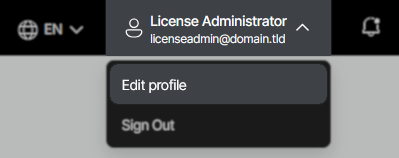
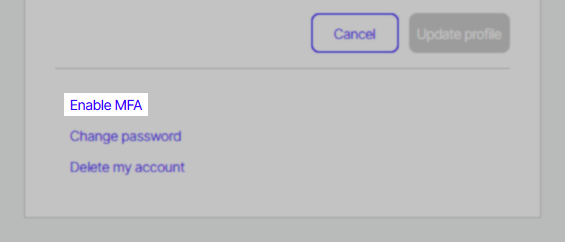
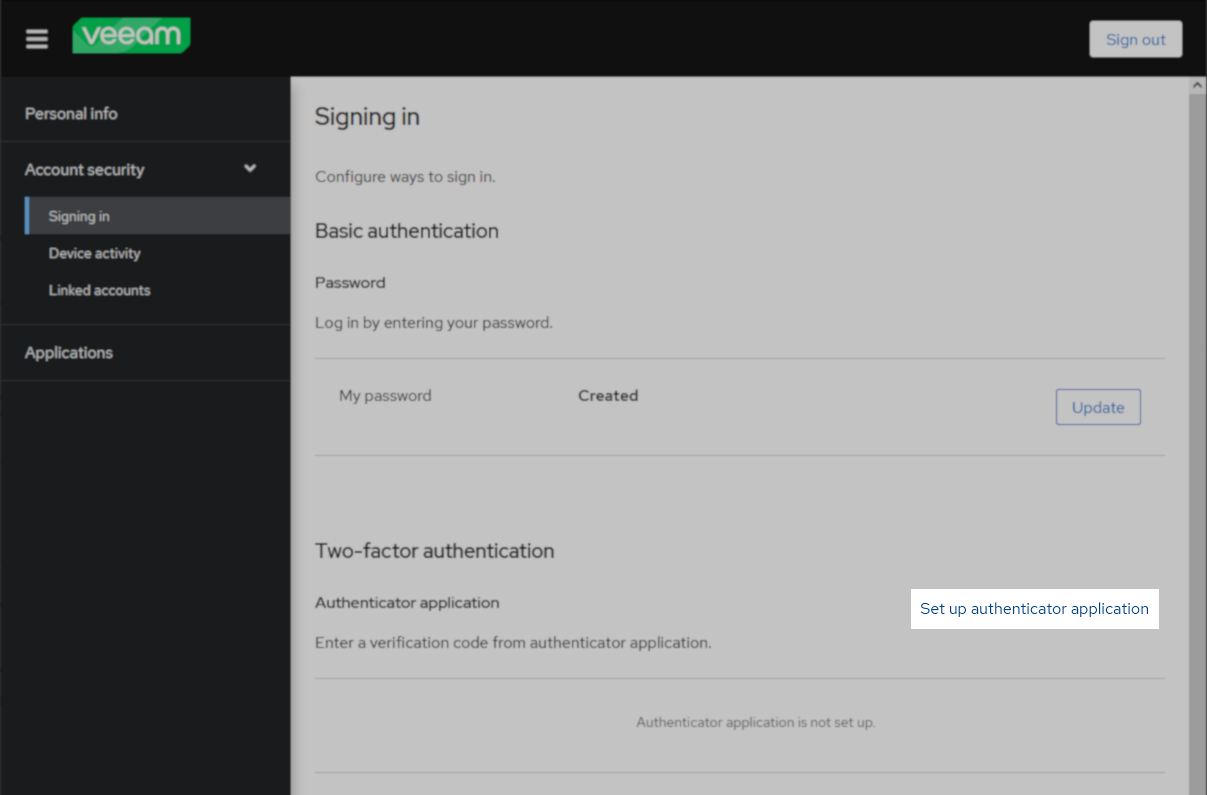
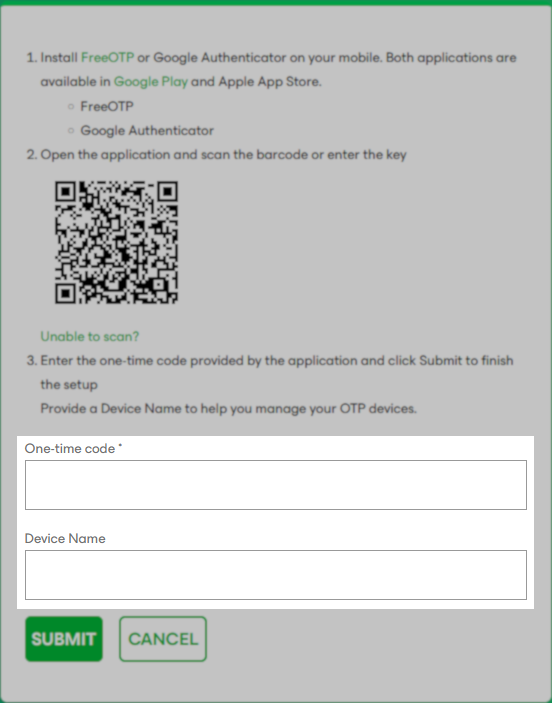
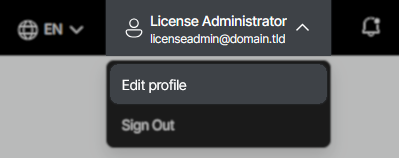
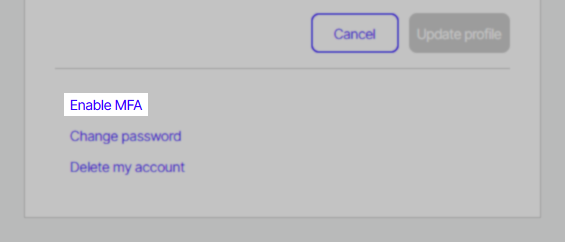
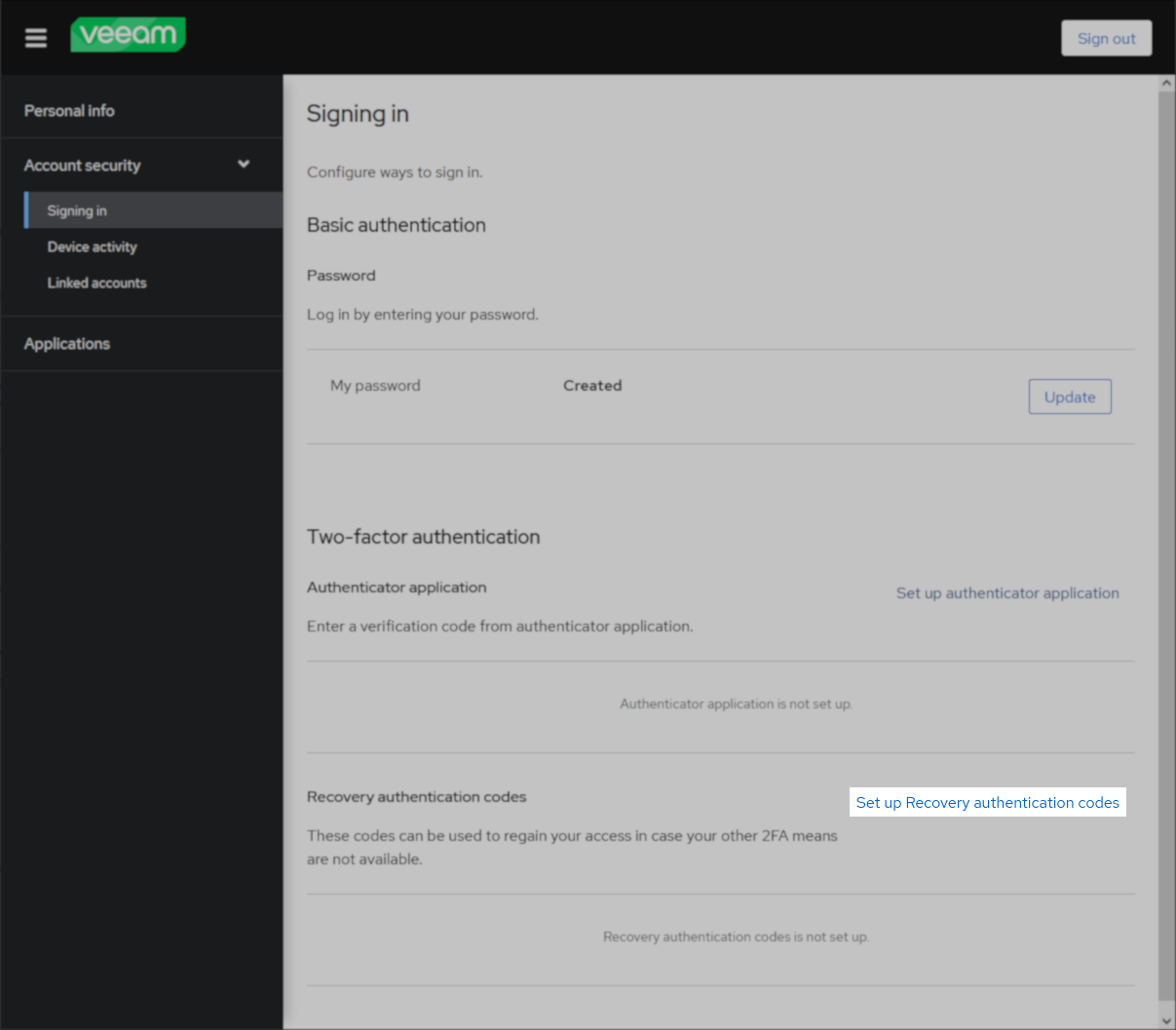
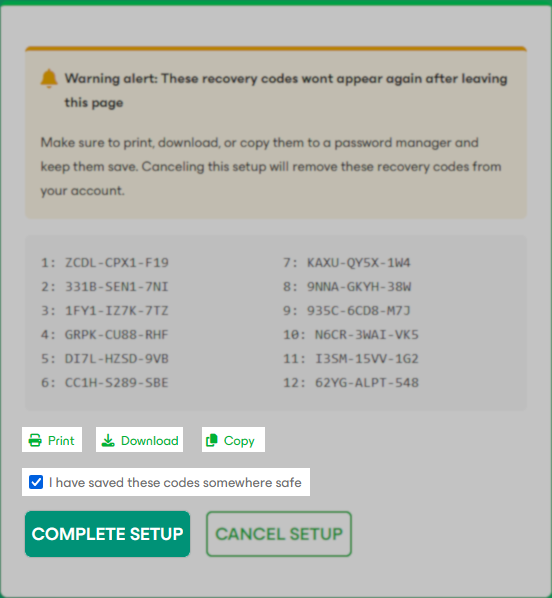
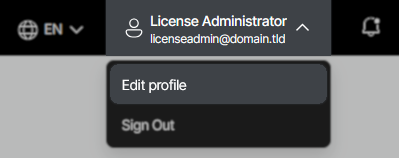
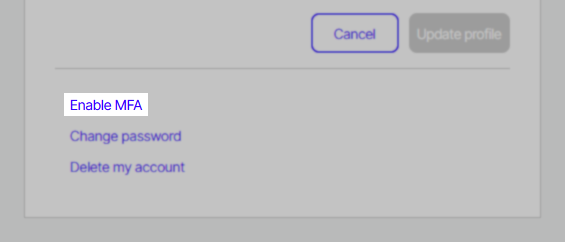
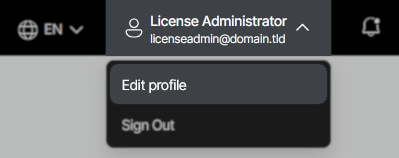
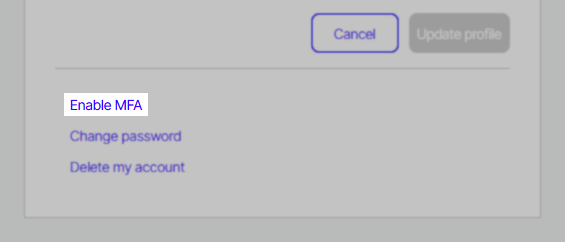
The MFA option allows users to enhance the security of their Veeam Account using Time-based One-Time Passwords (TOTP) from authenticator apps.
Below are the most Frequently Asked Questions, click on a question to see more information.



Related Articles
- Veeam Account Sign In FAQ
- How to Create a Veeam Account
- Veeam My Account Portal - MFA Guide
- My Account Portal "Recovery email for case contact" Guide
- My Account Portal - Role Management FAQ
- How to Create a Veeam Support Case
- My Account Portal: "No licenses can be found for your account"
- How to Attach Files to a Veeam Support Case
- How to Attach a File Larger Than 5GB to a Support Case
- How to Generate an SFTP Account for a Support Case
- How to Contact Veeam Support Management
- Support Partners Case Management
If this KB article did not resolve your issue or you need further assistance with Veeam software, please create a Veeam Support Case.
To submit feedback regarding this article, please click this link: Send Article Feedback
To report a typo on this page, highlight the typo with your mouse and press CTRL + Enter.
Spelling error in text

KB Feedback/Suggestion
This form is only for KB Feedback/Suggestions, if you need help with the software open a support case